1. Create a page and a frame where you would like to place your audio, video or flash file.
2. Click on the Frame type and info icon in the editor toolbar.

3. Change the Frame Type to Media Player

4. Click the  button
5. You will now see your Media Player options. Select Flash from the Player drop down.

6. Click on  option to upload and select your SWF file. To upload a new SWF file, click on the blue Upload New Files link at the bottom of the window.
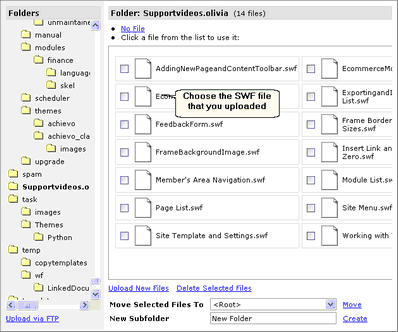
7. Select your uploaded SWF File.
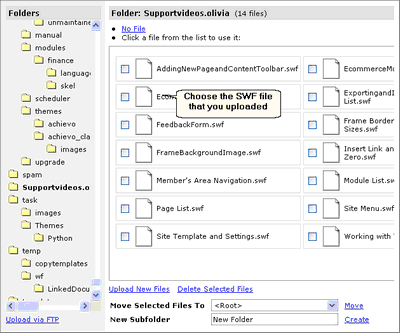
8. Press to save your settings
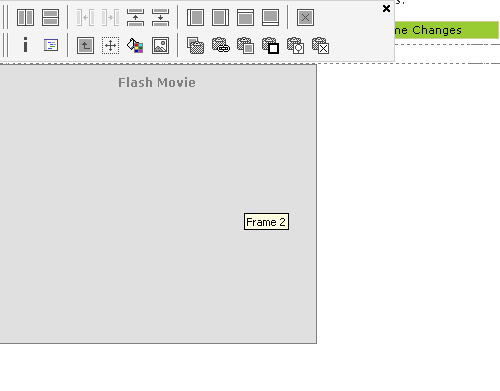
10. Preview the page to test it out.