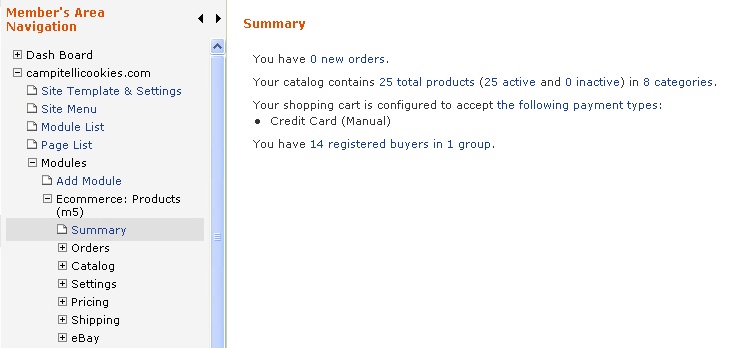
1. Select your e-commerce module from the left navigation
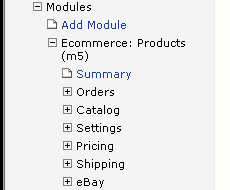
2. Click on Categories on the left hand column under Catalog. NOTE: The term "Category" can be renamed under Settings in General Settings so this link could be named something else in some instances.
3. Click the  button and enter a Title and short Description of your Category. You can also use the After field to choose the position of the Category in relation to the others.
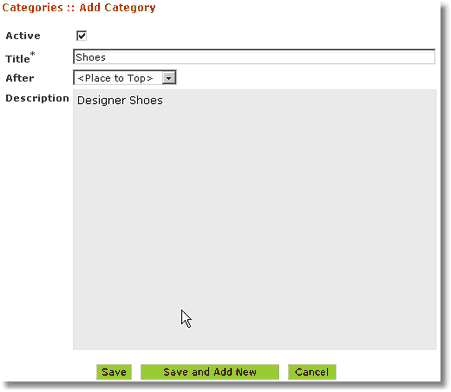
4. Click the  button to save your category. Repeat for each category you wish to add.