Deleted categories cannot be recovered.
All products that belong to a deleted category belong to the parent category of the category you deleted
It's not true. Products can't be lost due to category removal. Remember a product can be assigned to many ones. When one removed, the product still remains assigned to the rest of them. If a product belongs to the only category being removed, it will get automatically put in the Root category (which can be named differently - because the customer can customize that - but can never be deleted... this is the most upper level category in other words).
Hence, customers should NOT worry about editing products prior to deleting a category. The worst thing can happen is they will land in the root category.
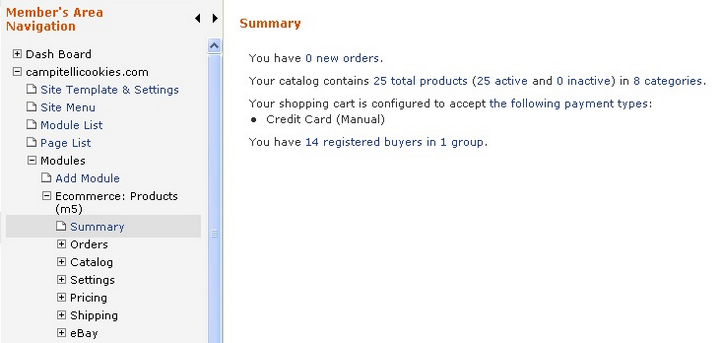
1. Select your e-commerce module from the left navigation
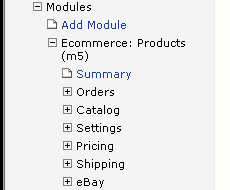
2. Click on Categories on the left hand column under Catalog. NOTE: The term "Category" can be renamed under Settings in General Settings so this link could be named something else in some instances.
3. Locate the Category you wish to delete and click the delete checkbox on the right.
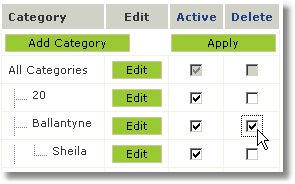
4. Click the  button to confirm your deletion.