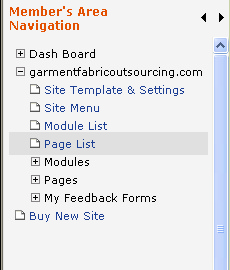
1. From the left navigation of your Member's Area and select Page List
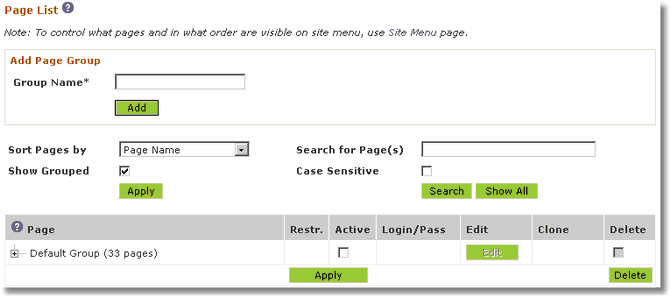
2. Your Page List will display something like this.
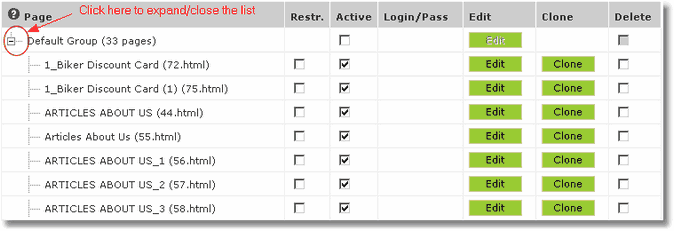
3. Look in the Page column. You may see the Default Group instead of your individual pages. If so, click the  icon to expand this list.
4. Click the Delete checkbox for each page you wish to delete.
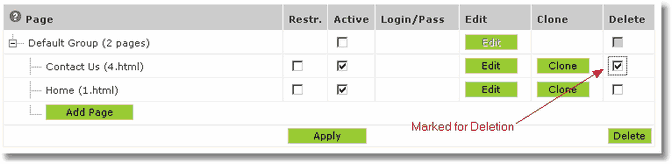
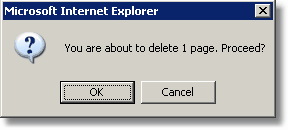
5. Click the  button to confirm deletion. You should see a confirmation message. Click OK to delete.
Note: Page Deletions are permanent!