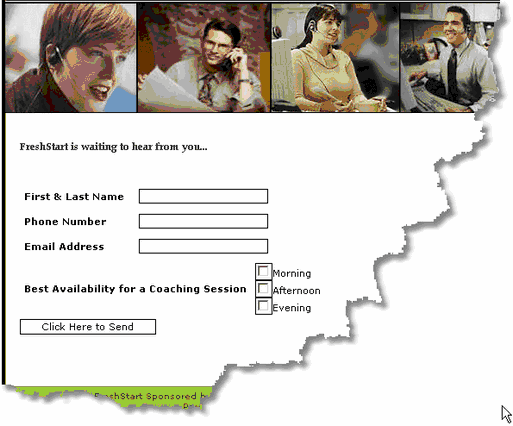
If you need your site visitor to fill out a form and e-mail you information -- use the Feedback Form. You need to set up an empty frame for a feedback form. This is done by clicking in the frame. Then click the "i" icon. On the frame set up page, select Basic Frames from the top drop down, and Feedback Form from the bottom drop down. After you set up your feedback form parameters, click on Form Builder on the left to start creating the form itself. All the field editing for the form is done on that page.
If you need help with this, please feel free to use Live Chat Support.
Here are some Feedback Form examples:
Customer Service Form
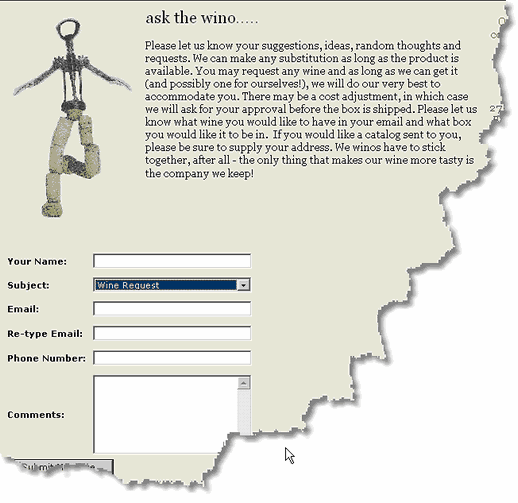
Contact Form