To insert 3rd Party HTML or scripts copy the script to your clipboard and use the PASTE HTML command in the Rich Text Editor
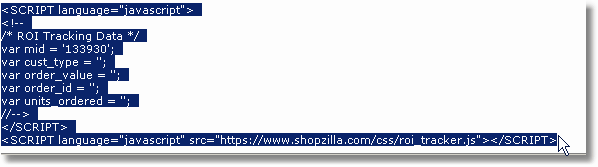
Step 1: Copy the script you would like to insert to your clipboard
Highlight script you would like to insert
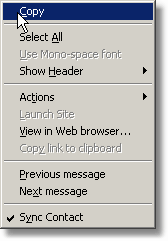
Right mouse click and choose COPY
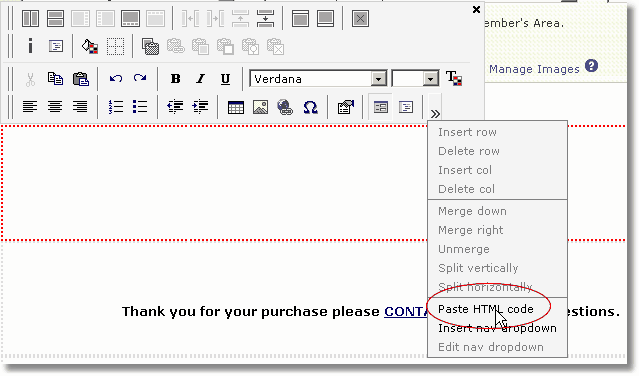
Step 2: Place your cursor where you would like your script placed and choose the Paste HTML code option
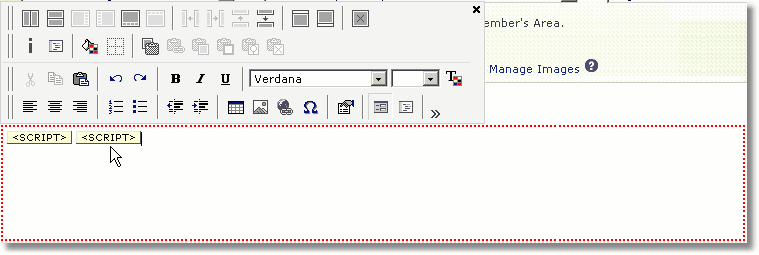
You should see script icons displayed in the editor
Step 3: Press  to save your change.